
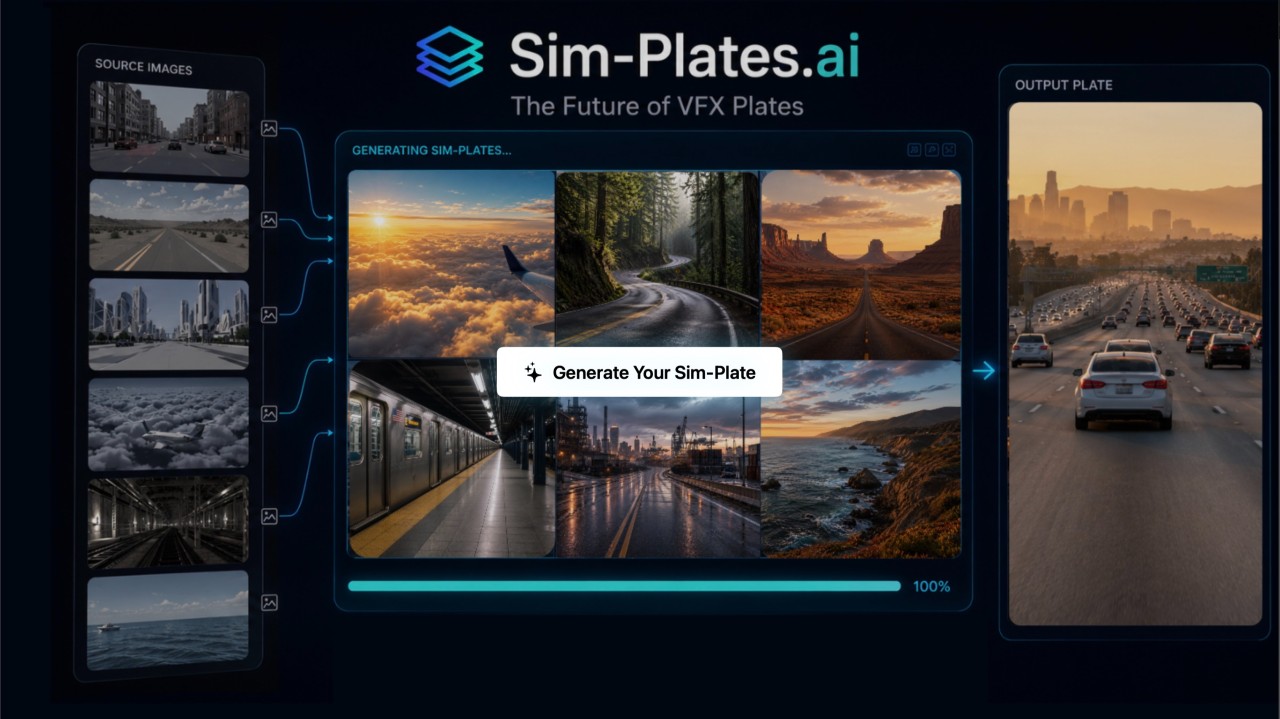
We’ve been in stealth mode building Sim-Plates.ai as an internal tool to solve real Gen-Ai production problems. The platform we’re building towards would allow for anyone to generate their own plates, using our extensive library and procedural toolset under the hood.
I have been experimenting with Gen-Ai for quite a while, specifically with image and video models trying to solve car process challenges. I have learned quite a few pipeline optimizations to get the best results, and then I decided that I should streamline this process.
Sim-Plates.ai is a cinematic AI plate generation app for virtual production and VFX workflows.
It helps artists create, refine, upscale, and organize photoreal driving plates (as well as dolly, drone and static plates), using environment choices, source videos, style references, and AI generation controls instead of relying only on a blank prompt box or node spaghetti in the case of Comfyui .
The core idea is to use our existing, pre-rendered plates and preserve the original composition, camera motion, perspective, geometry, and driving direction, while using AI to improve realism, lighting, weather, atmosphere, texture, and overall cinematic quality.
In other words it’s a tool for making AI assisted background plates for film, VFX, previs, pitch work, and virtual production.
The Goal
The larger goal is not to replace CG Plates (Sim-Plates) or even live-captured plates.
What if the plate doesn’t exist? You need London in the 1950s or New York in 2032. We can create these with CG, but most productions don’t have the time or budget for us to do it properly, and shooting practically? Forget it.
Another very real production challenge that this could solve is when the production needs a specific plate on the day of the shoot, and for whatever reason they don’t have it. I’ve been there, the internet was too slow to download the plate from the vendor, or the vendor sent the wrong plate (this happened on a big production i worked on). What do you do?
If you can quickly generate something that works, you’ve just saved the production a ton of time and money.
The Platform
The app is built around a streamlined workflow, currently with 5 workspaces that go in order and guide the user from start to finish.
1. Environment

The environment workspace is where you choose your base environment. By choosing this, it sets a lot of things up for you automatically, it customizes a prompt based on this selection and chooses from a handful of animations to use as the animation reference.
2. Settings

The settings workspace allows you to choose the type of camera animation, speed, time of day, weather and time period. These all inform the prompts in the next workspaces.
3. Style

In the Style workspace, all your previous selections auto-generate a prompt to help you create a style image and by default there is a reference image/video that is added to get you started. You can import your own style image or select from any of the built in images.
4. Generate

This workspace takes all previous inputs and sets you up to generate your video plate.
We set up the recommended video model based on the input, but you can override this and use whichever video model and settings you prefer. There is also a prompt that is automatically generated for you that can work as is, but you can further tweak this as you desire.
5. Ai Upscale

The last workspace for now is the AI Upscale. Here you can choose from various upscalers, with the recommended one loaded up by default.
Final Thoughts
Sim-Plates.ai began as a tool for our own workflow. We’re now exploring whether it should become something more, let me know if you’re interested in exploring this when we make it public!